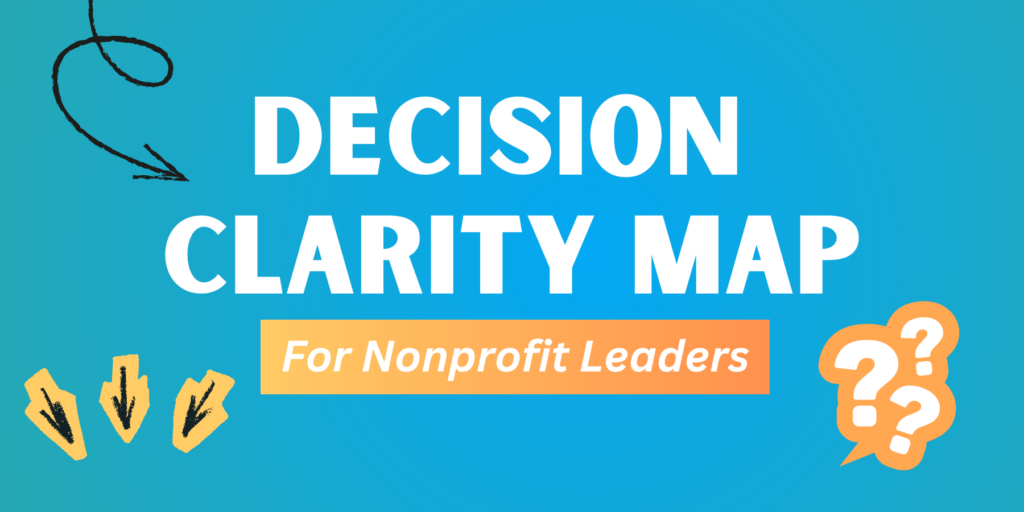
Often nonprofit leaders face so many decisions in a week that overwhelm takes over and clarity feels out of reach. That’s why we made this Decision Clarity Map. It’s a a simple visual guide designed to help you pause, prioritize, delegate, and move forward with confidence.
This PDF flow chart offers a quick, step-by-step way to test whether a new idea, opportunity, proposition, or request truly aligns with your mission, ethical responsibilities, and team capacity. In just a minute or two, you can determine whether to act right away, plan for later, or kindly decline.
At NEXT in Nonprofits, our goal is to make the path to impact clearer and smoother for nonprofit leaders. We help you streamline processes and systems so you can put your energy where it matters most.
Need outside help to do it all? Browse our Strategy & Management service offerings here. Email us anytime at info@nextinnonprofits.com to talk through your biggest stress points.
Decision Clarity Map Image Description
This is a flowchart titled “Decision Clarity Map for Nonprofit Leaders,” created by NEXT in Nonprofits. It guides users through evaluating opportunities or requests using yes/no decisions, with color-coded shapes: Orange ovals for questions, blue circles for “Yes” answers, red diamonds for “No” answers, and Yellow circles for results or next steps. Arrows connect the elements top-to-bottom and left-to-right, directing flow based on answers. The design is clean and vertical, starting at the top center, and ending with a total of 7 results based on the flow.
Text-Based Flow Chart
- Does this clearly support our mission and current strategic priorities?
- If Yes, move to question 2.
- If No/Unsure skip to question 5.
- Is this legally or ethically required for me to do?
- If Yes, skip to question 3.
- If No, skip to question 4.
- Does the first step take less than 10 minutes?
- If Yes: Do it Now.
- If No: Block Calendar Time.
- Is it beyond my team’s capacity?
- If Yes: Get Outside Help.
- If No: Delegate & Train.
- Is this an urgent community need?
- If Yes: jump back to question 2.
- If Possibly: Request More Info.
- If No, But: Save as Future Idea.
- If No: Decline Proposition.