1. Collaborating and communicating:
Is your inbox a mire of messages from coworkers and partners and funders and patrons and stakeholders? How much easier would it be if all project and program information was taken out of your inbox so that you could see the external communications more easily? Use the project management tool spaces to coordinate all elements of your project in one place. Integrate email conversations, message coworkers, and update tasks in real time with easy access to all materials. Better still, eliminate the internal email conversations altogether! No more asking Gemini to find that one email in a twenty-message thread from six weeks ago; use the project space to keep everything together and accessible to everyone.
2. Coordinating resources, documents, and materials:
Are you fed up with trawling through threads in your email account or searching multiple folders in your drive to find the documents relevant to your project? Project management tools allow you to attach links and documents directly from your drive so that all updates are noted in real time. Now your co-workers can find the budget, the grant proposal, the work plan, the award letter, the materials, and the portal information all in one place. No more interruptions in the middle of reading that dense RFP because Fred can’t find the budget sheet for the new youth program and Freda is missing the program report. You are happy, and Fred and Freda are happy too!
3. Not another spreadsheet:
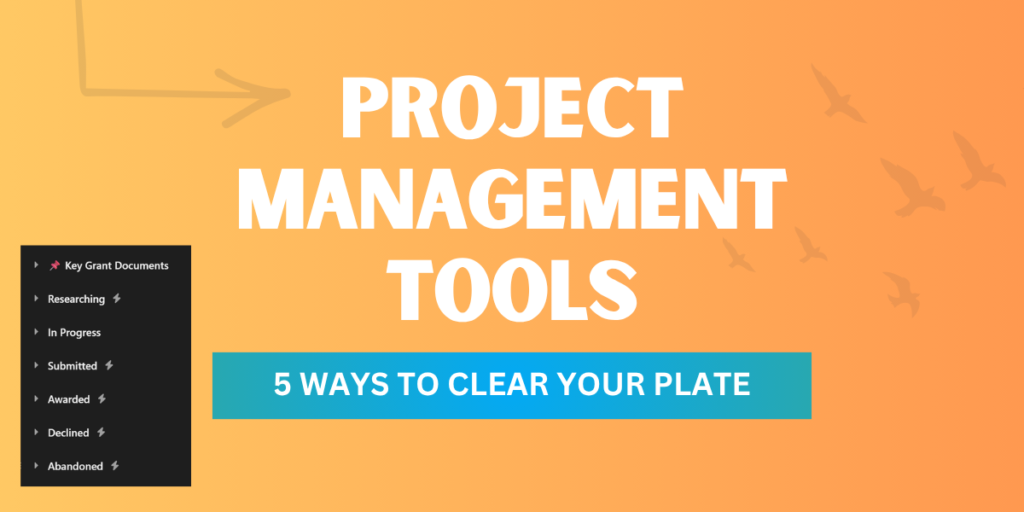
Do you have half a dozen spreadsheets to track prospects, grant applications, awards, and receivables? A PM tool can replace all of those spreadsheets! See at a glance where your grant applications are, how much you applied for, what the purpose of the grant is, what was awarded, what was declined and set up auto-rules so that your next task is automatically generated when you complete this one. “When the status is changed to declined, move to section Declined and create a task to follow up with the funder for feedback. Set the due date for one week after the status is changed”. Or better “When the status is changed to Awarded, move to section ‘Awards’, and create a task to upload the award letter and send a notification to the General Manager and the Finance Manager.”. A PM tool can automatically reorganize itself with a few simple rules from a status update, AND do the math for you, so you don’t have to add up what’s in the pot and what’s coming.
4. Risk avoidance:
What happens when your co-worker trips and falls and is in ER as the due date approaches for this week’s newsletter or funder proposal? Is all of your project information currently in your co-worker’s inbox? Does anyone else have their email password? Where is the password for the portal? Did they update the right spreadsheet with that portal information? With a project management tool, you can sync emails directly to the project, add important information to the project description, include instructions, and update everything in real time. Tasks can be reassigned; no need to call your co-worker in their hospital bed while you ask for a project update. Completed tasks and upcoming tasks are available at the click of a button. Tracking project progress is easy. With access to calendar views, list views, gantt charts, boards, and files, it is easy to see if that due date for the grant proposal is approaching more rapidly than you anticipated. Has one of your subtasks gotten a little off track? A project management tool will alert you to past-due and upcoming tasks (and can deliver you a daily summary of what is due).
5. Doing things once instead of twice or three times:
Fed up with sending three reminder emails that get lost in an email thread? Project management tools enable you to message coworkers directly within the project tasks. All communication for one task can be coordinated in one space; no more cluttering up your inbox with emails to six people, six responses, some who reply all and some who don’t reply at all. No more missing the important information that can go astray. A project management tool can integrate with the tools you already use and update your task list as you complete tasks. No need to email to let others know that you have finished your draft and it is ready for review. Just click ‘completed’ ‘- and their dependent task is now ready to go! All collaborators can see all the pieces and ask questions in one place.
6. (Okay, we fibbed about FIVE ways…) Stop carrying the information around in your head!
How many times have you woken at 3am on a Tuesday morning and suddenly remembered that you wrote down the actions from last Tuesday’s meeting (somewhere) but you never scheduled those actions and you KNOW that you promised to deliver a draft by the next meeting (in six hours time). A project management tool could have reminded you last Wednesday morning. And you could have slept until 7am…
So what are your options?
Many of the most popular PM tools offer discounts for nonprofits with between 50-75% off selected plans. Almost all offer trials so that you can play with the tool before committing to a subscription. Talk to your friends who use these to find out what they think works best for them.
Monday.com
Asana.com
Trello.com
Zoho
Workzone
ClickUp
Airtable
Freedcamp
Curious about a project management tool, or need help customizing and maximizing your existing tool? We can help! Email us at info@nextinnonprofits.com to chat about what you need and what could help your team get organized and up-and-running quickly.